🗑️ Delete Organizations (Admins only)
SPACE administrators can delete organizations from the Organizations view, accessible from the left sidebar under the ADMIN section.
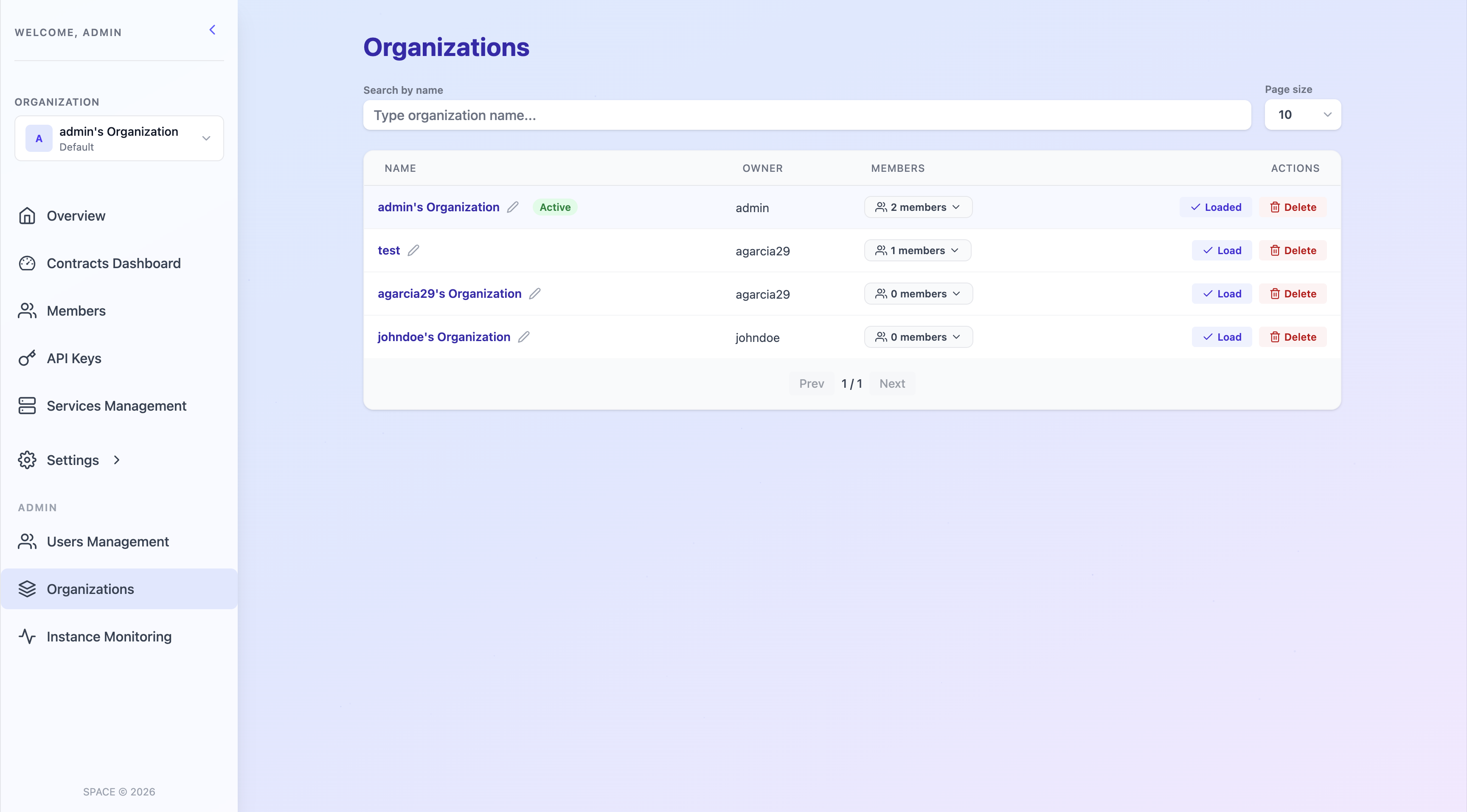
In addition to browsing and filtering all organizations within the SPACE instance, administrators can delete any organization by clicking the corresponding delete action on the organization card.
Deleting an organization is an irreversible operation and should be performed with caution. This operation triggers a cascading deletion, meaning that all resources associated with the organization are automatically and permanently removed.
Specifically, deleting an organization will result in:
-
Deletion of all contracts
All contracts defined within the organization will be permanently removed. -
Deletion of all services
All services belonging to the organization will be permanently removed. -
Revocation of member access
All members will lose access to the organization and its resources. -
Invalidation of all API keys
Any API key associated with the organization will become immediately invalid.
The cascading nature of this operation is illustrated below: