🔄 Manage Users (ADMIN only)
The Users Management view in SPACE allows administrators to control access by updating roles and credentials of existing accounts.
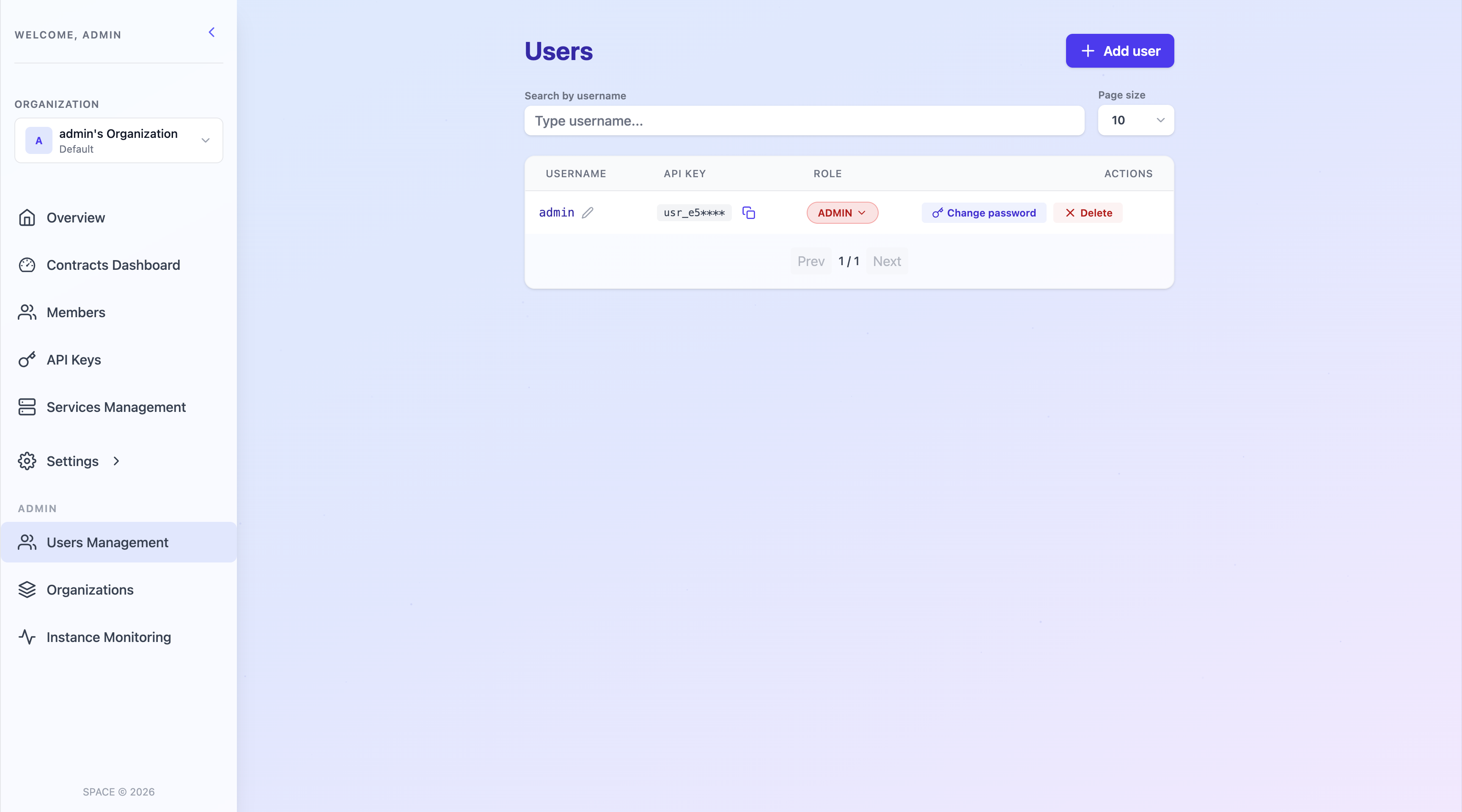
From this view, you can:
-
🔑 Change a user’s role: Upgrade or downgrade a user’s role
-
🔐 Change a user’s password: You can reset or update a user’s password.
-
🗑️ Delete users: While the interface provides this option, details are covered in the dedicated Delete Users guide.
⚠️ Important
There must always be at least one ADMIN user in SPACE. If you attempt to delete or downgrade the last administrator, SPACE will block the operation and return an error.