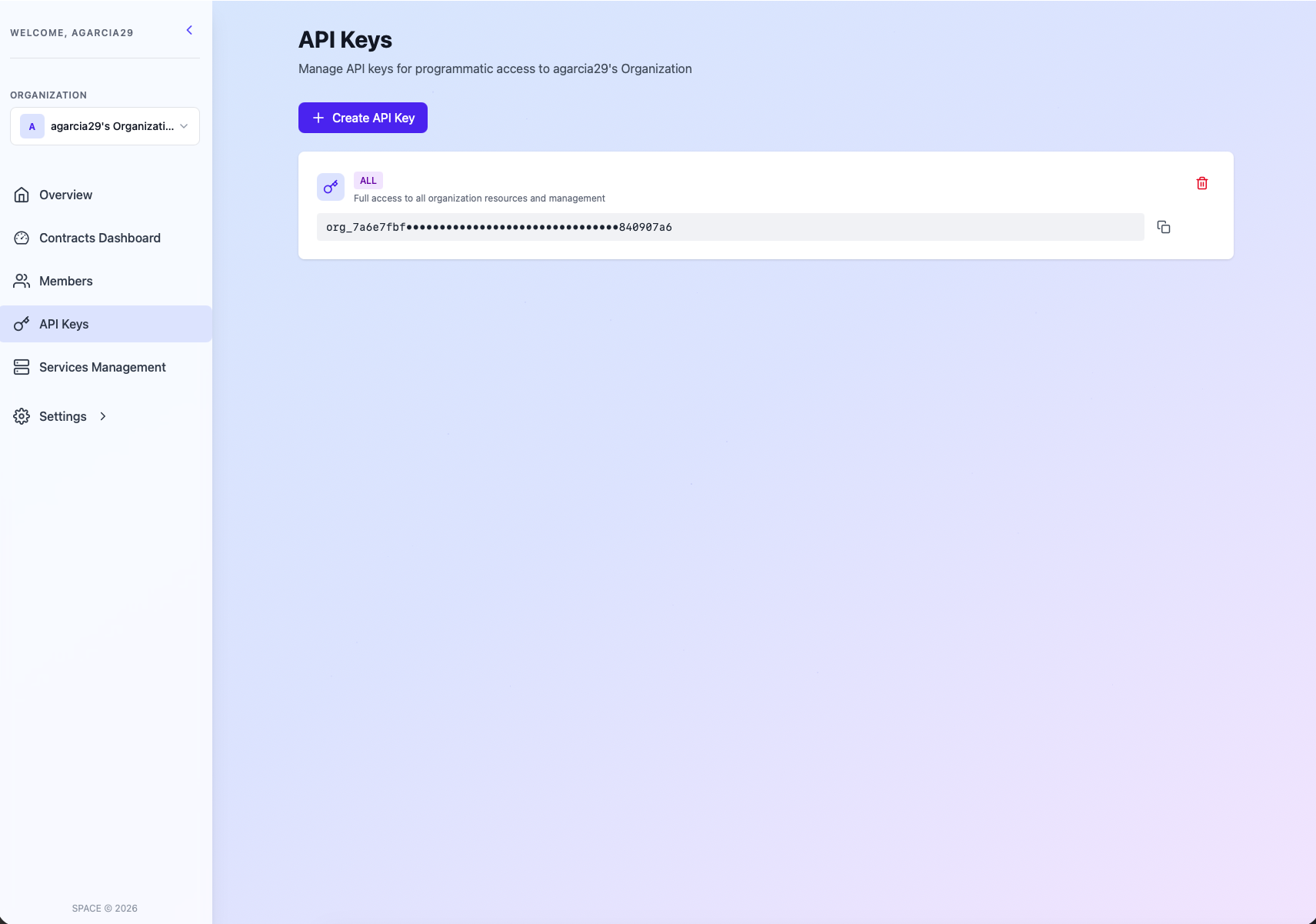
🔑 Manage Organizations API keys
As explained in the Retrieve API Key guide, each organization in SPACE has its own set of API keys that can be managed according to the user's role and permissions. This keys are used to authenticate requests to the SPACE API and SDKs, and allow to perform different operations programatically over the resources of the organization.
The set of API keys a use can manage depends on their role:
| Scope | ALL | MANAGEMENT | EVALUATION |
|---|---|---|---|
| OWNER | ✅ | ✅ | ✅ |
| ADMIN | ✅ | ✅ | ✅ |
| MANAGER | ✅ | ✅ | ❌ |
| EVALUATOR | ❌ | ❌ | ❌ |
You can find more details about the different API key scopes in the SPACE roles guide.
To create, update the scope or delete API keys, you just have to visit the API Keys page by selecting it on the left sidebar.