Manage your account, API keys, and notifications
Open the avatar menu to access Inbox, Organizations, API Keys, and Settings.
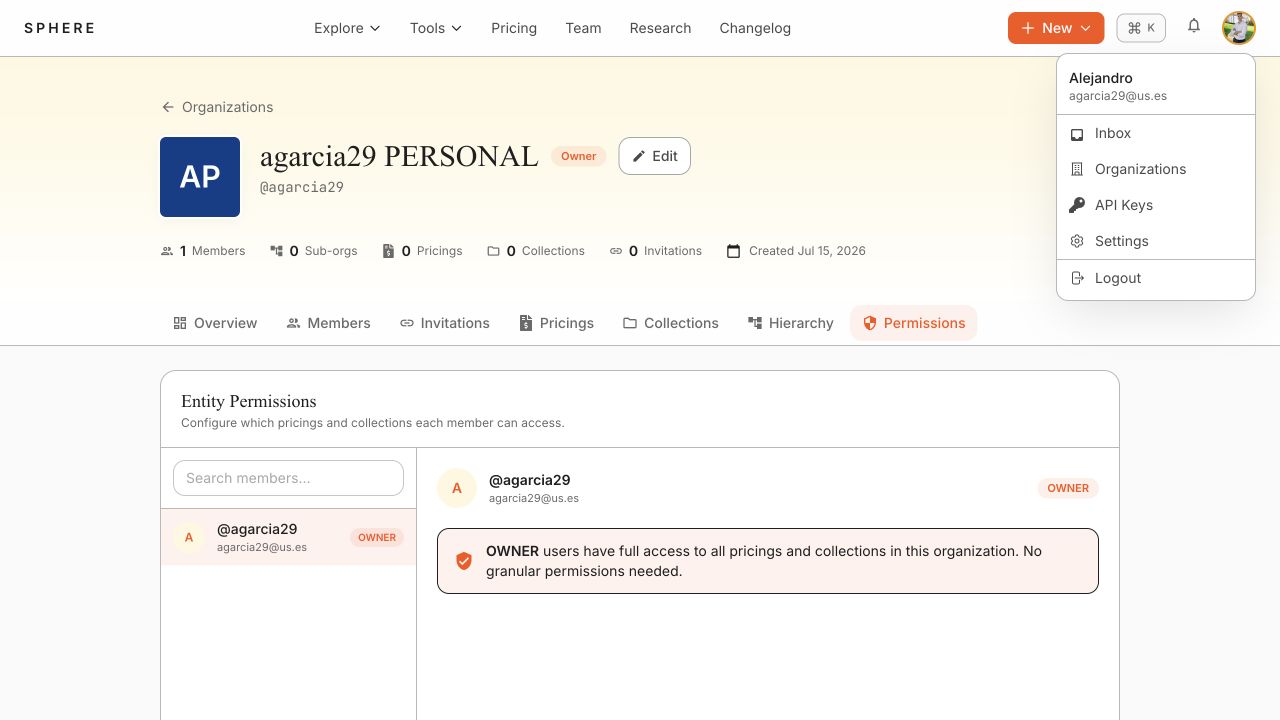
Create an API key
- Select API Keys.
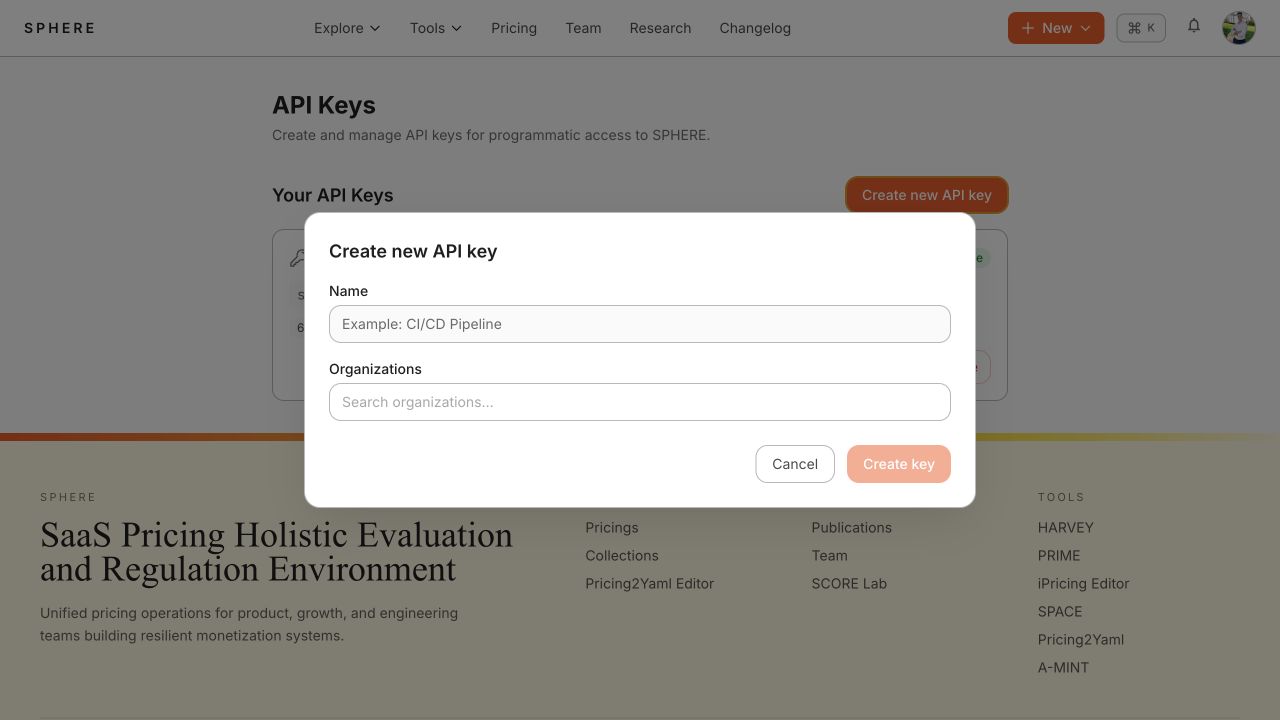
- Select Create new API key.
- Give the key a recognizable name.
- Select the organization and appropriate scope.
- Create the key and store the displayed secret in an approved secret manager.
API-key scope caps the rights granted through the key:
- View is limited to the permissions of an ordinary member.
- Management is limited to the permissions of an organization admin.
- All does not further reduce the caller's own authorized rights.
Revoke a key when it is no longer needed. Delete stale key records after confirming that no application uses them.
Update account settings
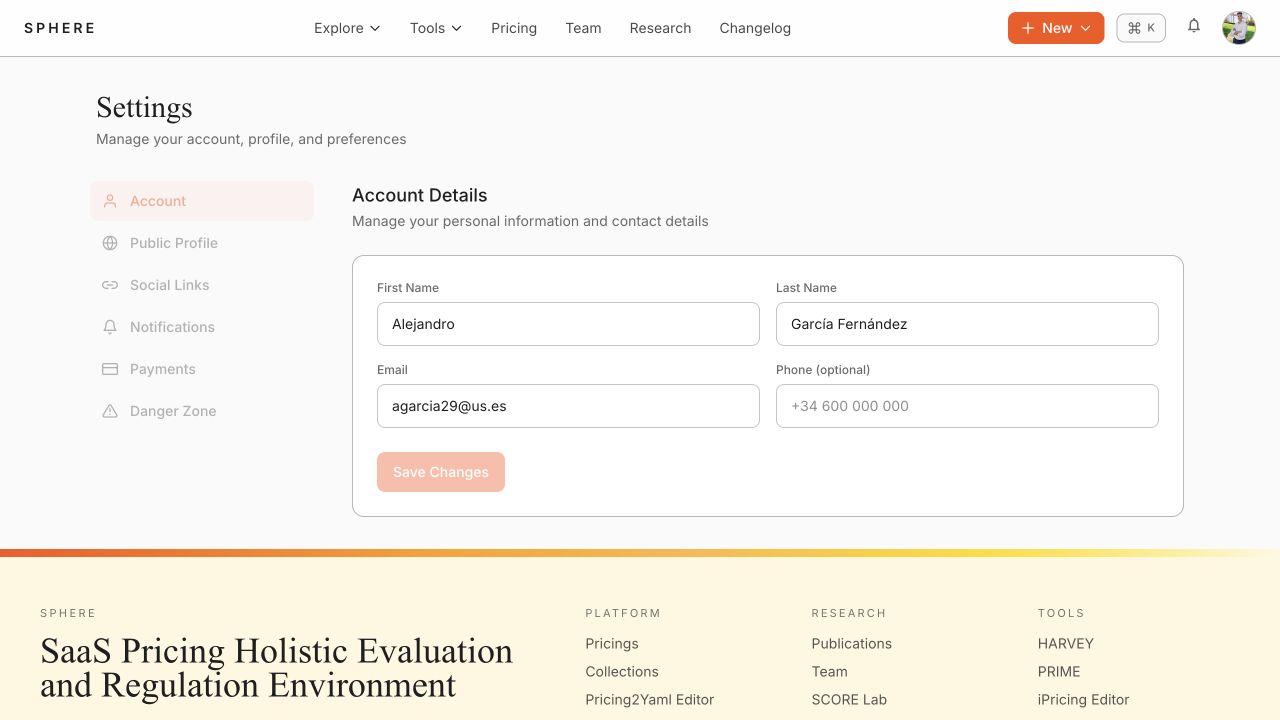
- Select Settings from the avatar menu.
- Use the relevant tab to update account details, public profile, social links, notification preferences, or payments.
- Save the change.
Use Inbox to review organization invitations and platform notifications.