Inspect and analyse a pricing
Open any pricing card from a catalogue, collection, organization, or your recent items. The version selector at the top lets you inspect one version at a time.
Read the overview
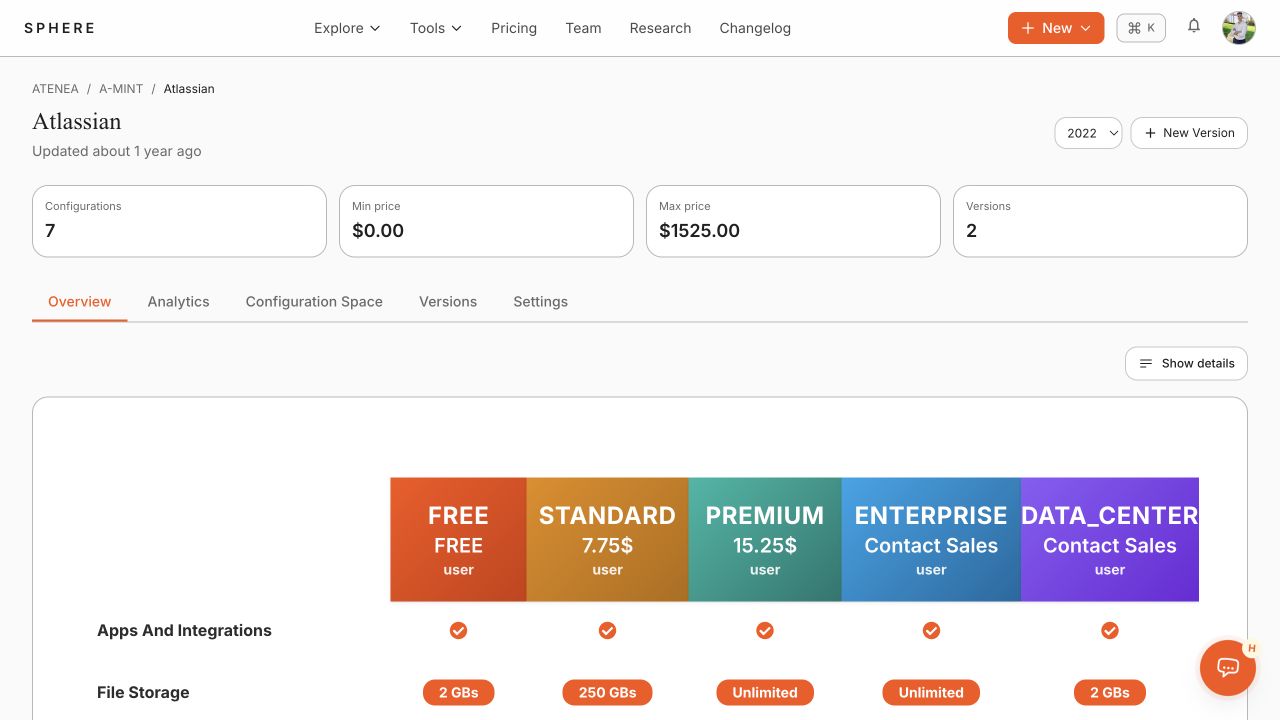
The overview shows the rendered pricing table, headline configuration and price metrics, and a structured summary of plans, add-ons, features, and usage limits. Select Show details to expand the content.
Analyse pricing evolution
- Select Analytics.
- Optionally use Select dates to limit the versions included.
- Compare the time series for configuration-space size, subscription prices, plans, features, usage limits, and add-ons.
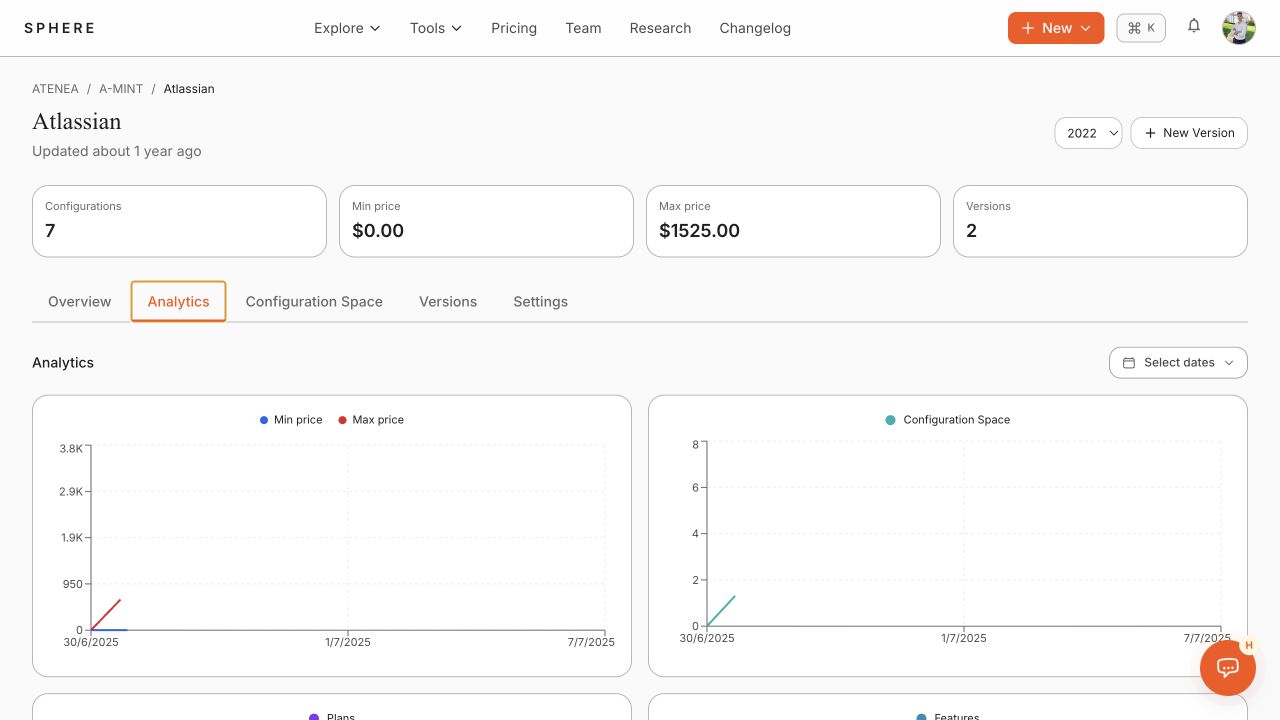
Analytics are calculated from the configuration space of each version. They include pricing structure and minimum/maximum subscription prices, and are cached to avoid repeated solver work.