Manage members, invitations, and permissions
Add and manage members
- Open the organization and select Members.
- Select Add member.
- Search for the user and select the appropriate role.
- Confirm the change, then review the member list.
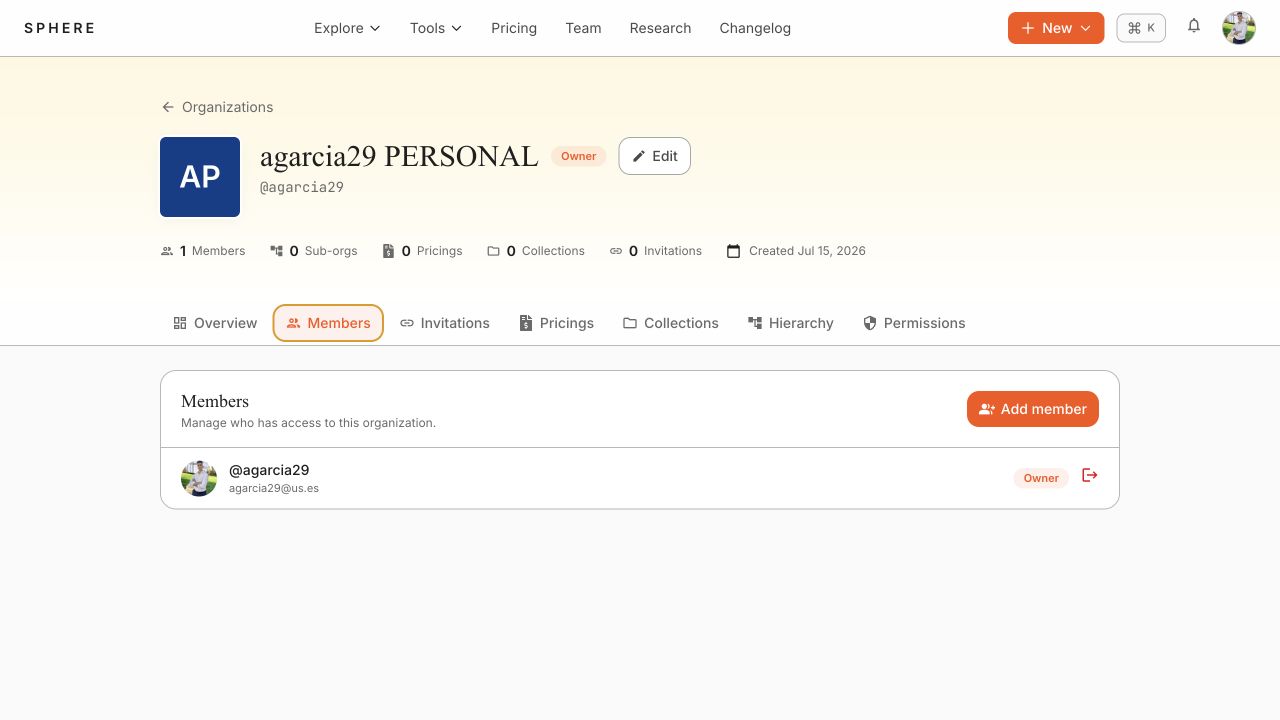
Use the member actions to change a role or remove a member. Owners can manage all roles. Admins cannot demote another admin.
Invite collaborators
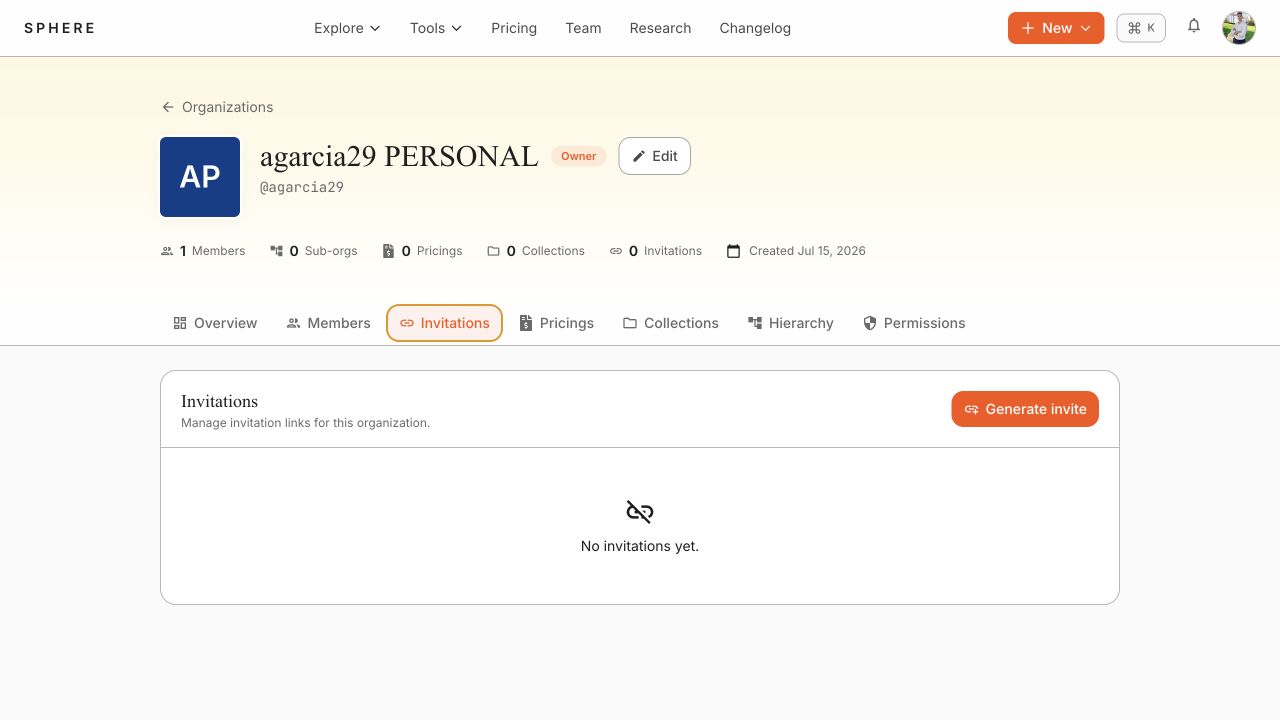
- Select the Invitations tab.
- Select Generate invite.
- Copy the resulting join link and deliver it through an appropriate channel.
- Revoke or replace an invitation when it is no longer needed.
Grant permissions to a member
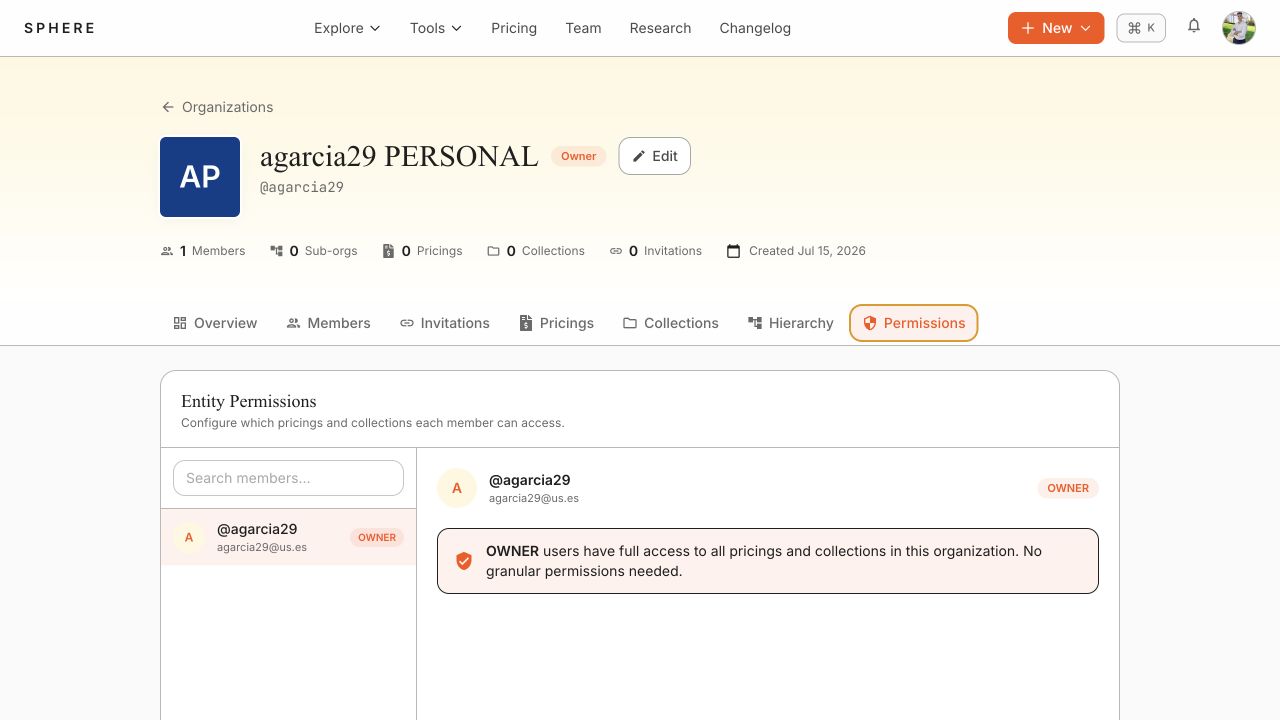
- Select Permissions.
- Search for and open the member.
- Grant the required operation at organization, collection, or pricing scope.
- Save and verify the member can perform only the intended operation.
Permission meaning depends on scope:
- On an organization, POST allows creation of pricings and collections.
- On a pricing or collection, POST allows creating a new version.
- GET, PUT, and DELETE respectively allow viewing, editing metadata, and removal of the specified private entity.
Collection permissions take precedence for pricings contained in that collection. Granting GET to a collection grants access to its pricings.