Get started with SPHERE
SPHERE is a multi-tenant workspace for modelling, versioning, analysing, and discussing SaaS pricings. A pricing is stored as an iPricing in the Pricing2Yaml format; organizations provide the ownership and access boundary for pricings and collections.
Before you begin
- Use a current desktop browser and open SPHERE.
- Select Register to create an account, or Login to use an existing account. SPHERE also offers Google and UVUS single sign-on where enabled.
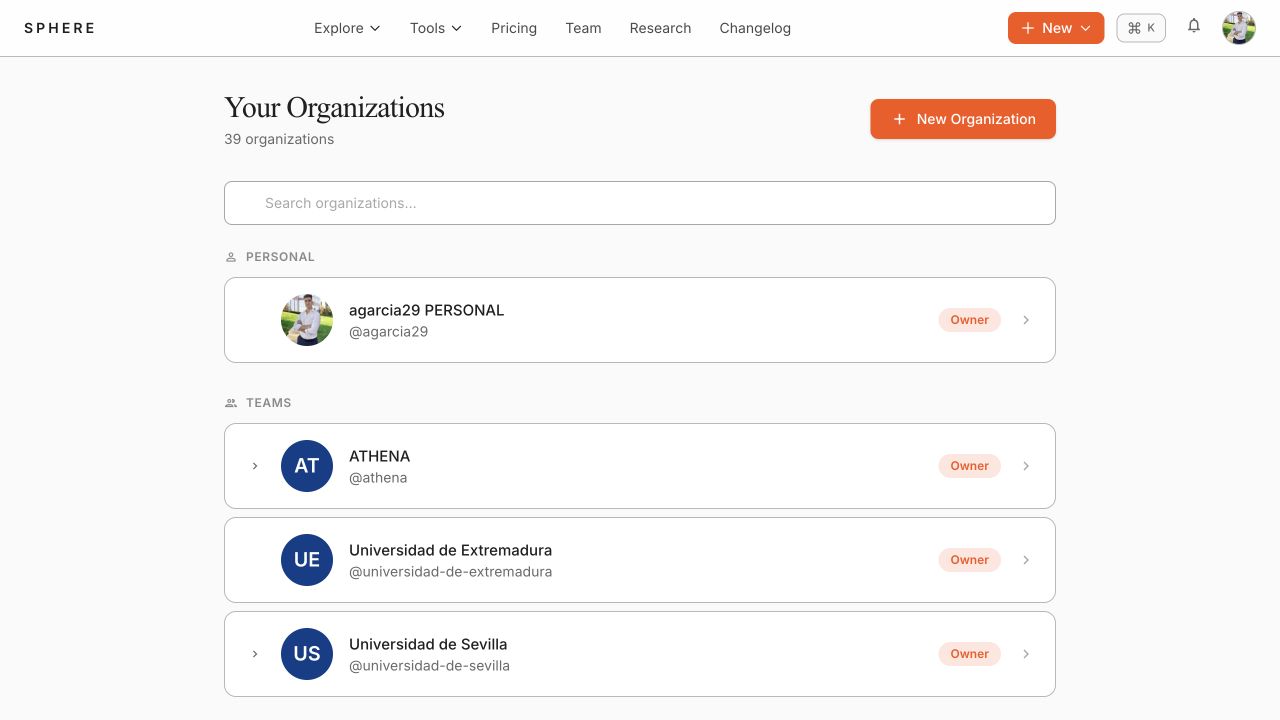
- On first registration, SPHERE creates a personal organization. It is your private workspace and cannot be left or deleted.
After signing in, the home dashboard provides shortcuts to organizations, pricings, collections, the Pricing2Yaml Editor, and HARVEY.
Choose the right workspace
Create or select the organization that should own the resource before uploading a pricing or creating a collection. Visibility controls whether a resource is publicly discoverable; organization membership controls access to private resources.
Navigation
- Explore opens the public pricings and collections catalogues.
- Tools provides the Pricing2Yaml Editor and HARVEY.
- New starts a new pricing, collection, or organization from the current workspace.
- The avatar menu provides the inbox, organizations, API keys, and account settings.
Continue with public discovery or organization management.