Explore configurations and manage versions
Explore the configuration space
- Open a pricing and select Configuration Space.
- Use the free-text field to search plan, add-on, feature, or usage-limit names.
- Use the plan selector to restrict the results.
- Select a configuration to inspect its included features, add-ons, and limits.
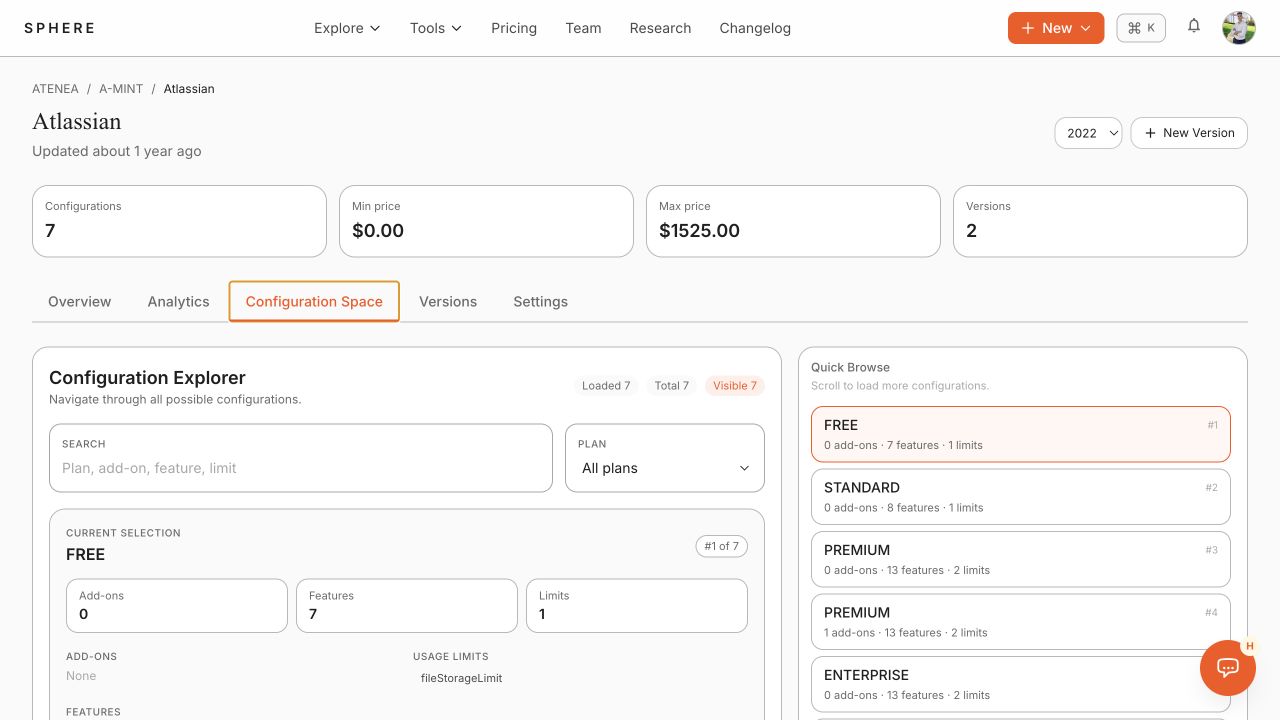
SPHERE lists every valid configuration only when the configuration space contains no more than 2,000 configurations. Results are paged as you scroll.
Create and select versions
- Select New Version.
- Provide the new Pricing2Yaml source and complete the creation flow.
- Use the version selector to switch the active version.
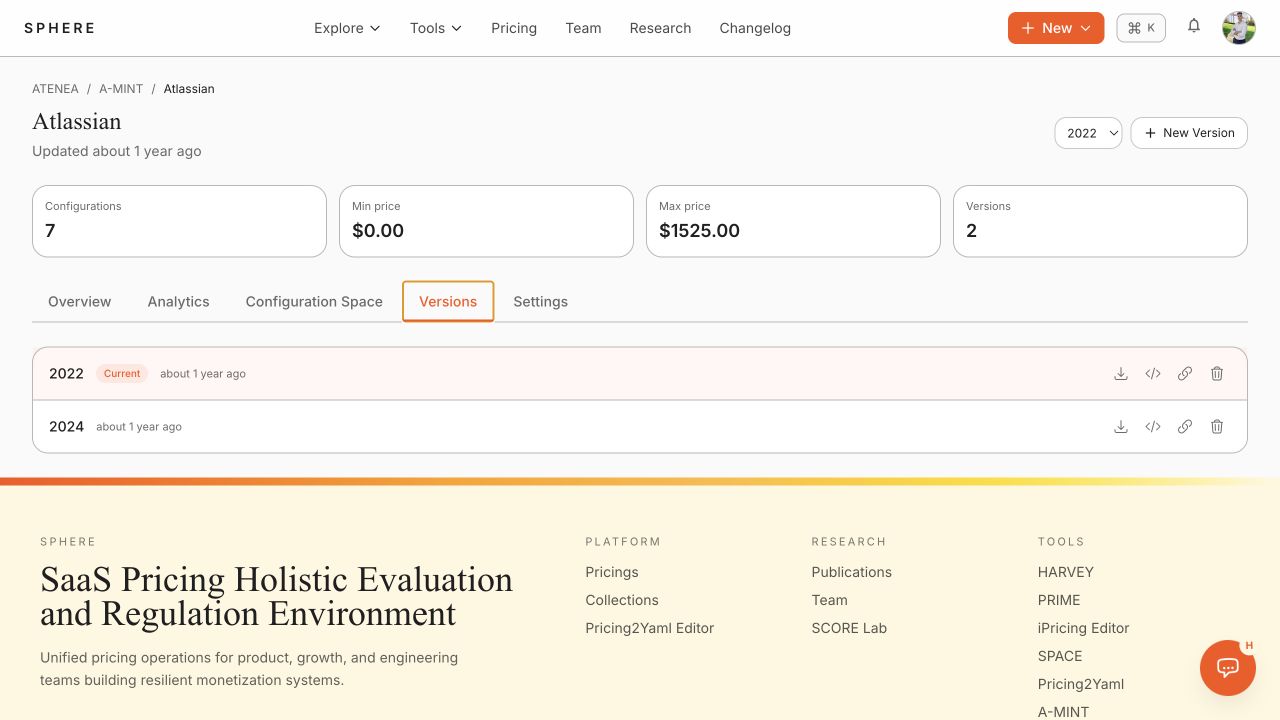
- Open Versions to see all versions in the pricing history.
Download, edit, share, or delete a version
In the Versions tab, use the action icons for the version you need:
- Download YAML saves the exact Pricing2Yaml document.
- Open in editor opens the version in the Pricing2Yaml Editor.
- Copy link exposes a permanent URL to the YAML source.
- Delete version permanently removes that version when you have sufficient permissions.
Change pricing metadata
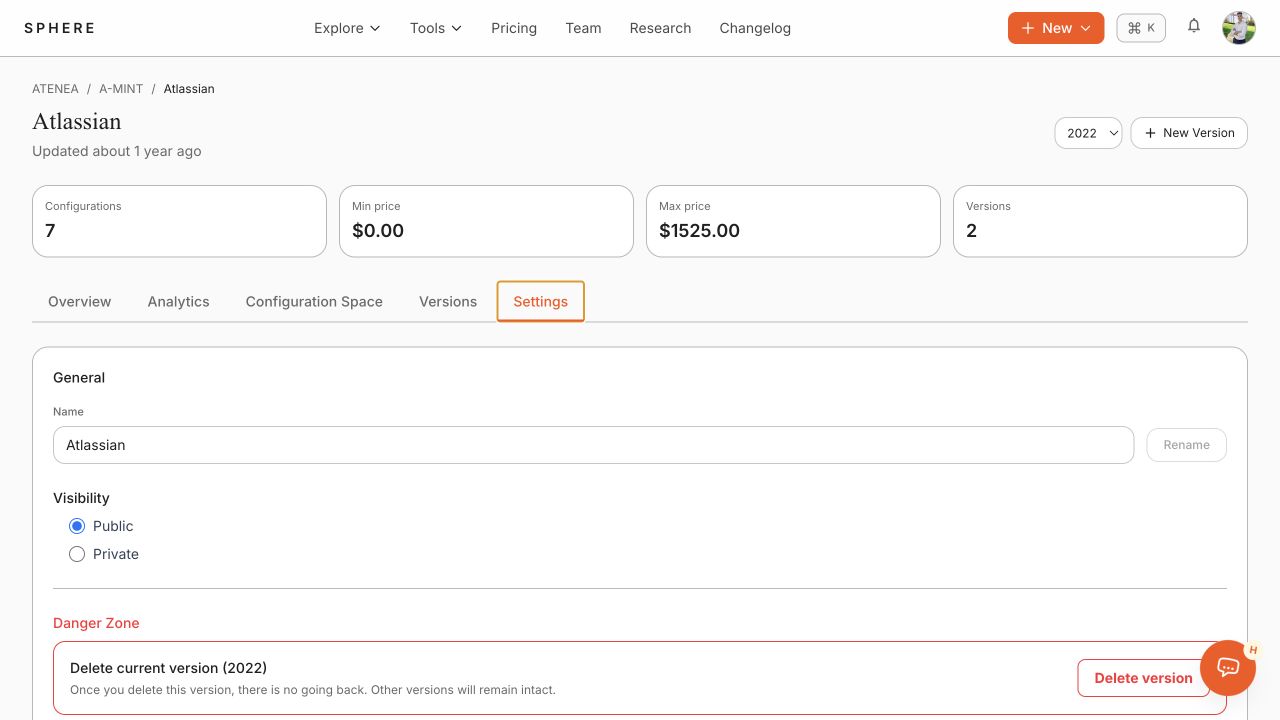
Open Settings to rename the pricing or change its visibility. Use Delete version only after confirming that no integration or research result depends on the version.