Use the Pricing2Yaml Editor
Open Tools → Pricing2Yaml Editor or go to the editor. The editor supports code and visual modes, live validation, live rendering, imports, exports, and shareable links.
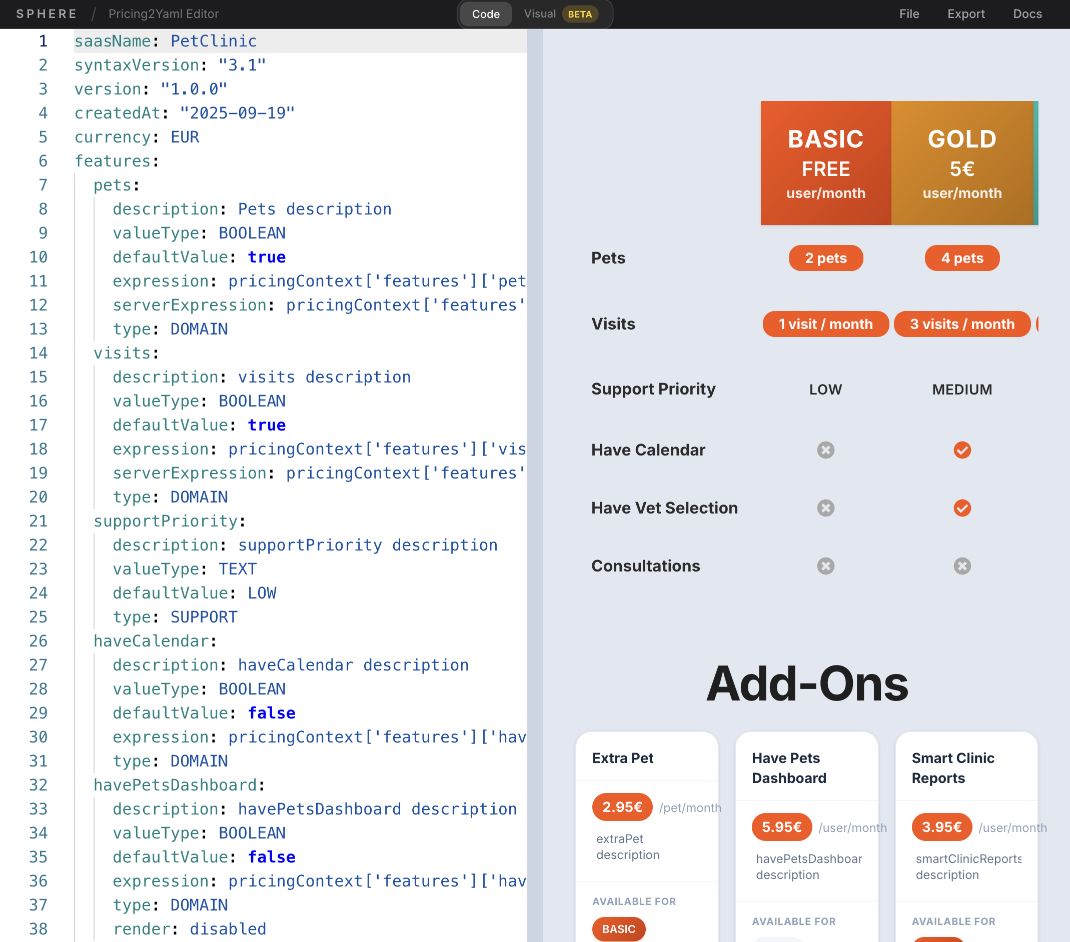
Edit in code mode
- Keep Code selected.
- Enter or edit Pricing2Yaml source.
- Review validation feedback and the rendered pricing preview as you type.
- Fix syntax errors before exporting or uploading the document.
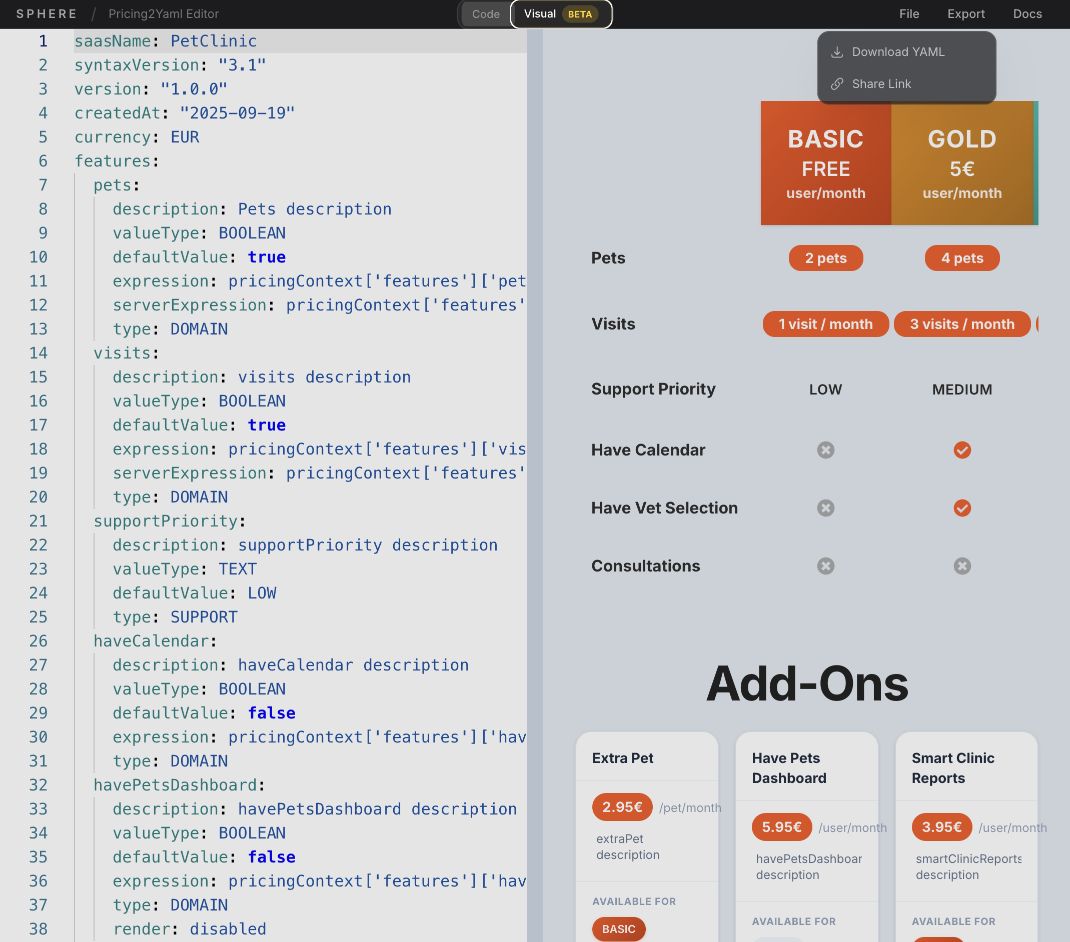
Use visual mode
Select Visual (beta) to model the pricing interactively without editing YAML directly. Switch back to code mode at any time to inspect the generated source.
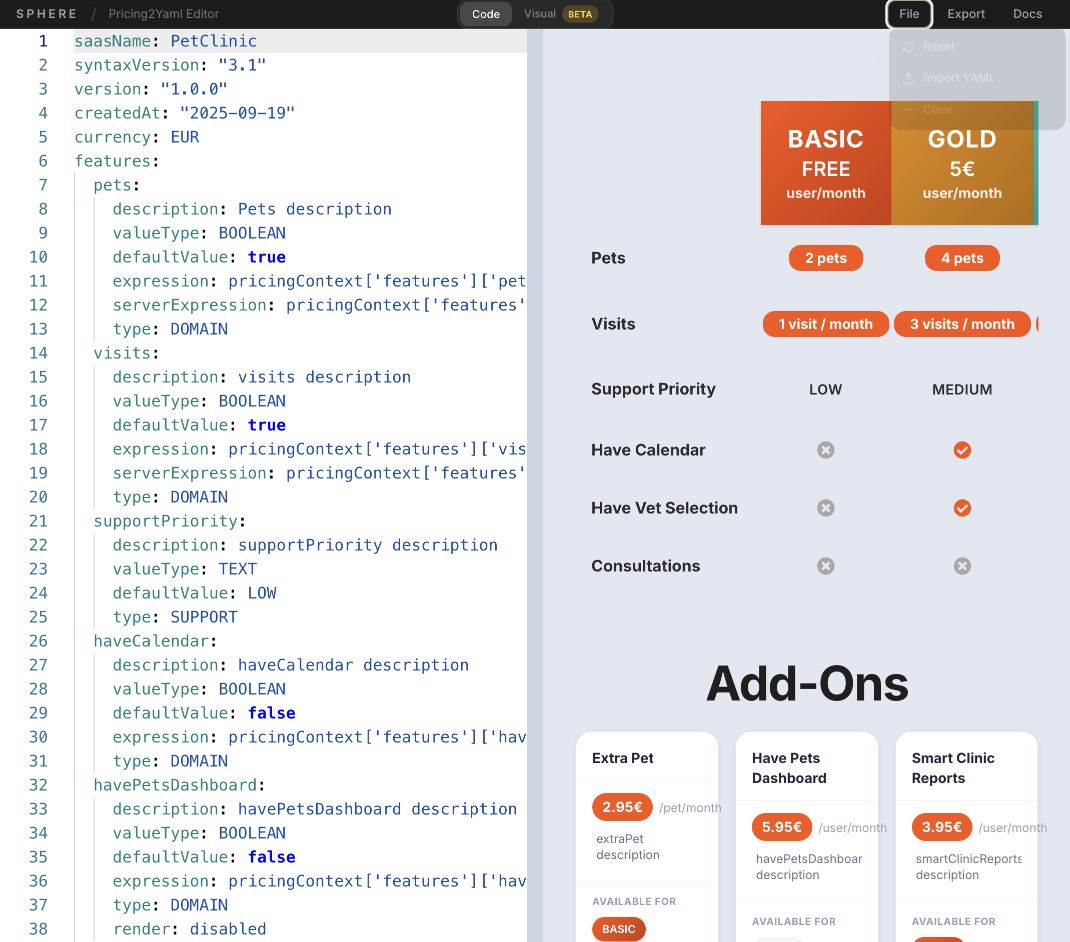
Manage the editor file
Select File and then choose one of the available actions:
- Reset restores the editor's starting state.
- Import YAML loads a local Pricing2Yaml file.
- Clear removes the current source.
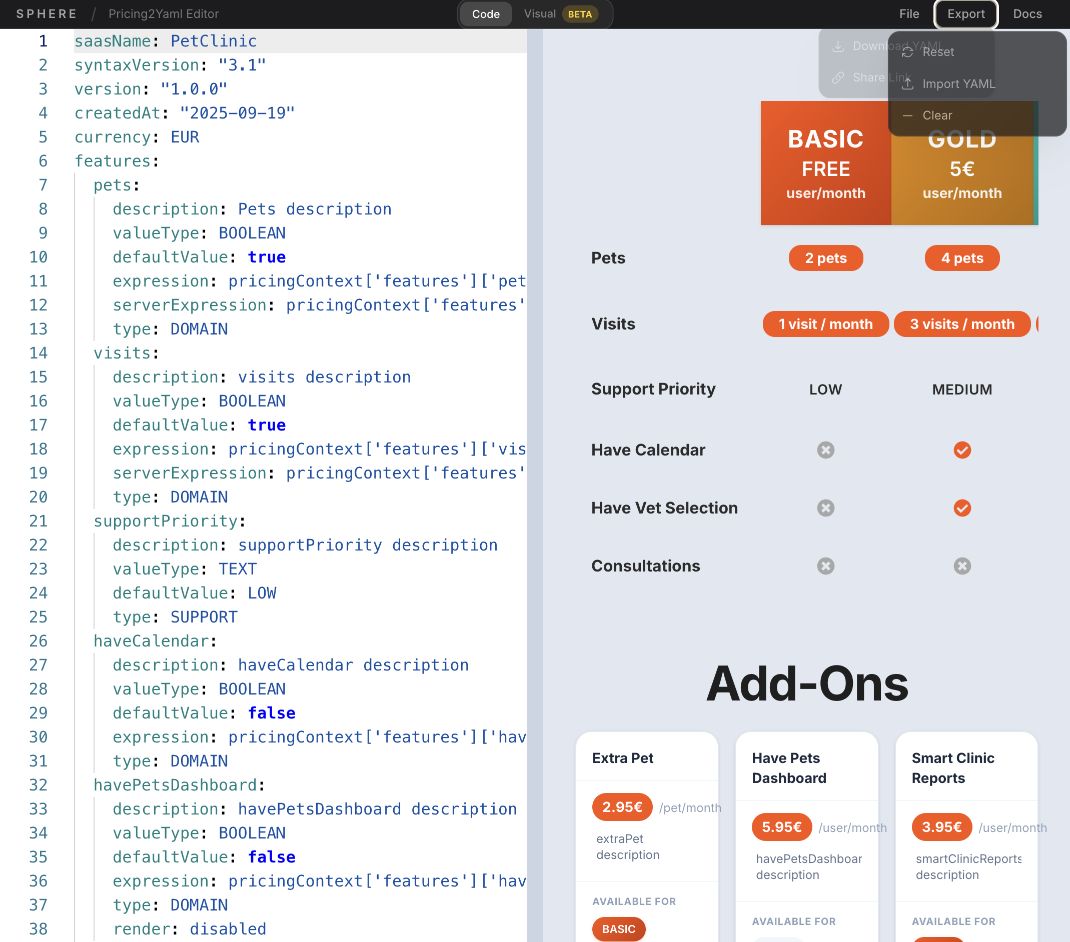
Export or share
Select Export, then choose Download YAML to save the document or Share Link to create a URL that reproduces the current editor state.
info
The editor supports the current Pricing2Yaml syntax. Consult the Pricing2Yaml documentation for the language reference.