Create and manage organizations
Organizations own pricings and collections, define membership, and can be arranged in a hierarchy. The owner has full authority; admins can manage resources and members; members need explicit permissions for private resources and creation rights.
Create an organization
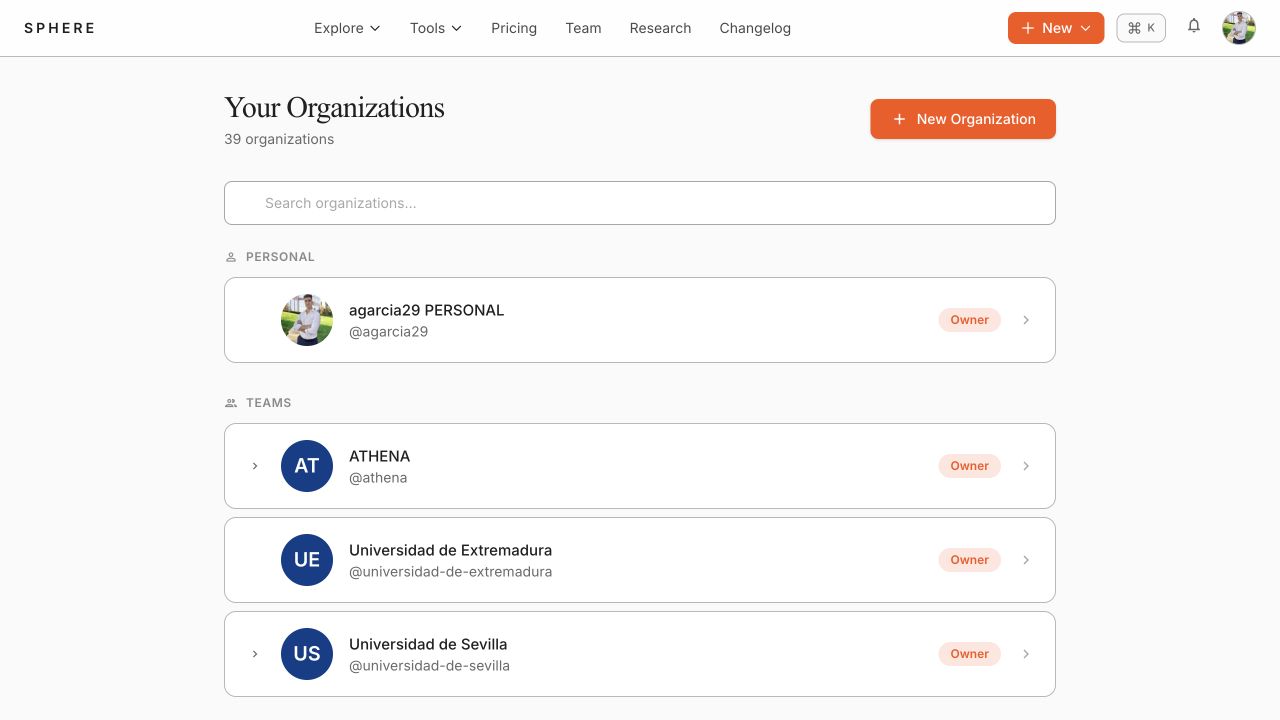
- Open the avatar menu and select Organizations.
- Select New Organization.
- Enter the organization details and submit the form.
- Open the new organization from the organization list.
Use the organization workspace
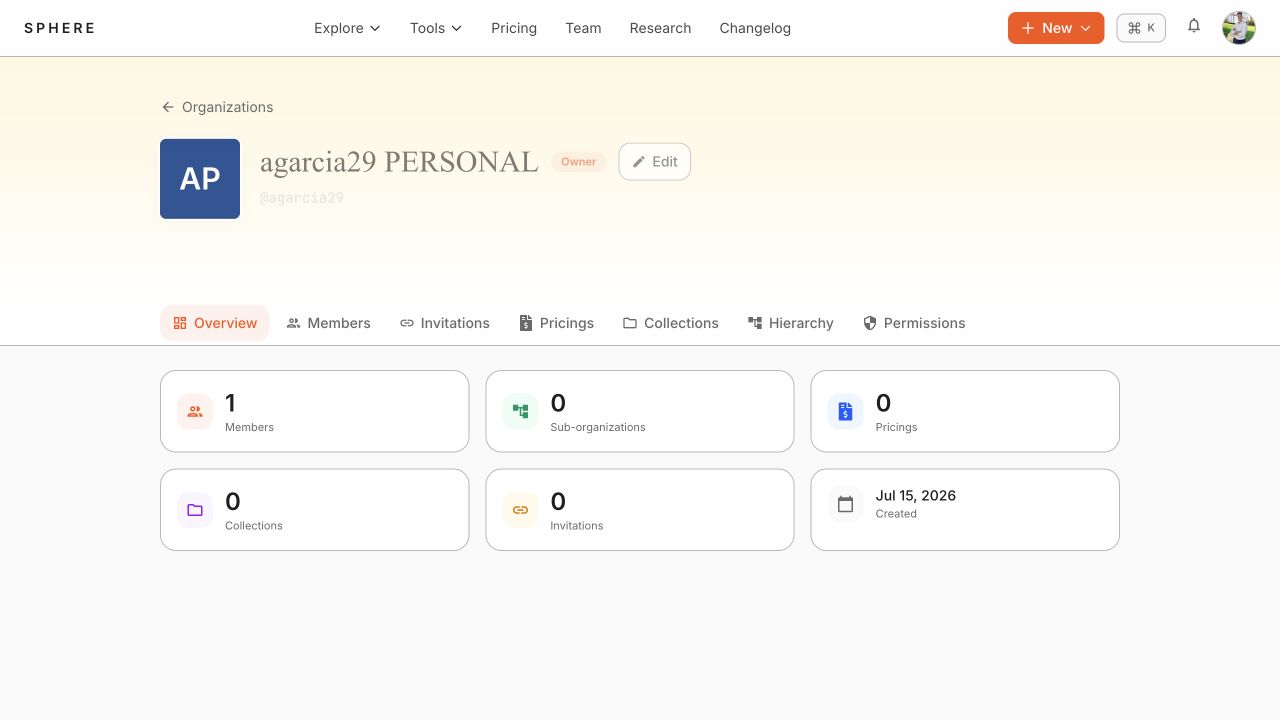
Select an organization to open its workspace. The tabs separate operational tasks:
- Overview: organization metadata and high-level activity.
- Members: add, remove, and manage roles for members.
- Invitations: generate and manage join invitations.
- Pricings and Collections: create and manage resources owned by the organization.
- Hierarchy: inspect child organizations and inherited administration.
- Permissions: grant resource permissions to members.
Edit or leave an organization
Use Edit to update organization metadata. Use Leave organization only when you are not the personal-organization owner; leaving removes your membership and may remove access to private resources.
warning
Do not use administrative actions to change ownership, remove members, or delete resources without checking their effect on collaborators. These actions can revoke access immediately.